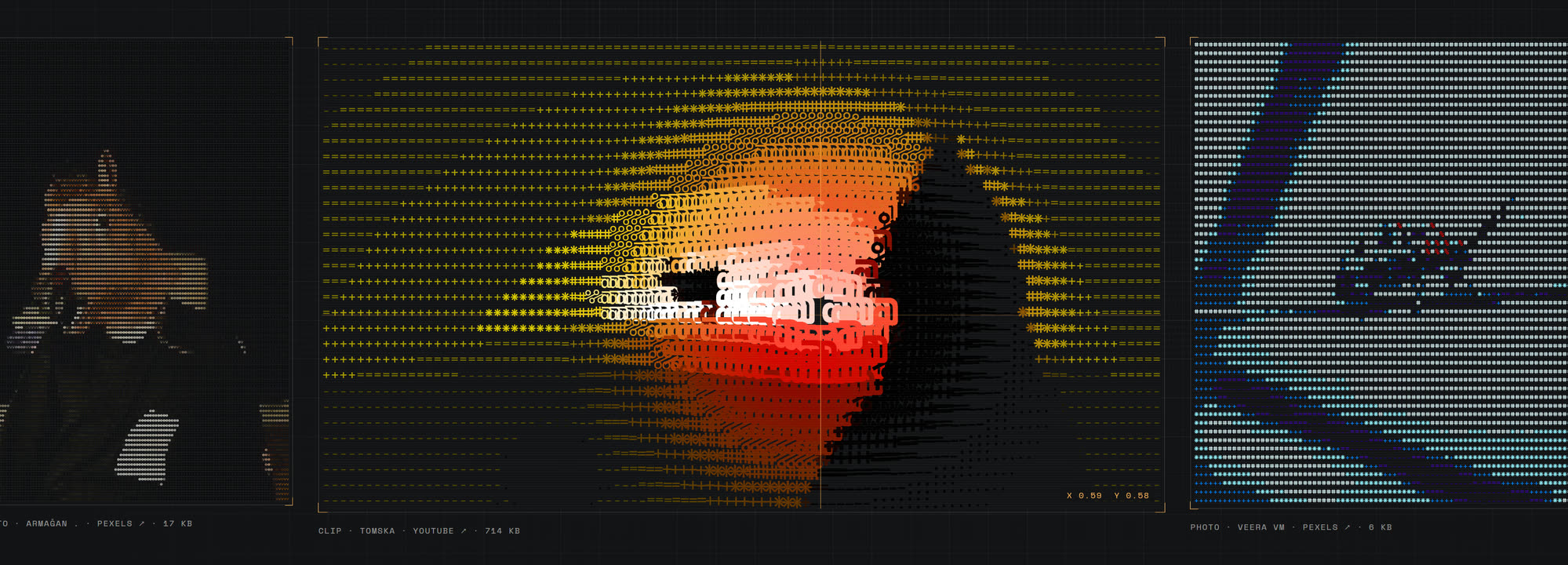
ascii anima
HD images and video weigh a tonne. Characters don’t.
Why
Every site I build ends the same way: me staring at Lighthouse, Google’s speed test for websites, stuck somewhere around 80 out of 100. I optimise, and optimise, and it always comes back to the same thing. As designers we want everything crispy and high def, and nothing drags a page down like high def images and video. The page gets slow, the score drops, and Google pushes slow pages further down its search results, so fewer people ever find them.
So I went looking for a way to put pictures, and things you can actually play with, on a page without the weight.
The trick
ASCII art. You’ve seen it before: pictures made only out of letters and symbols you can type. Take an image, pixelate it, and swap every cell for a character that’s about as bright.
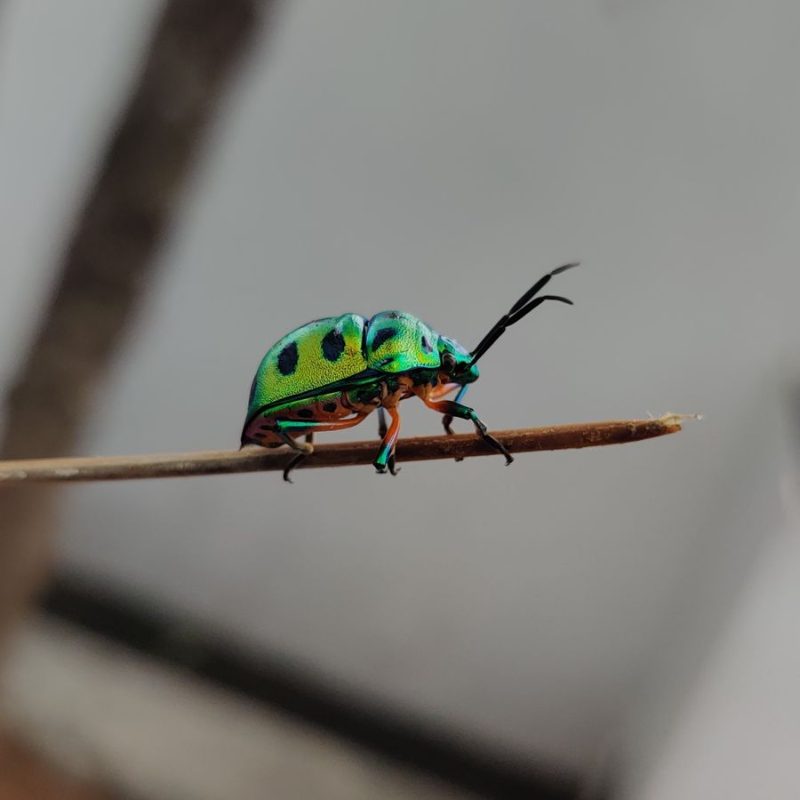
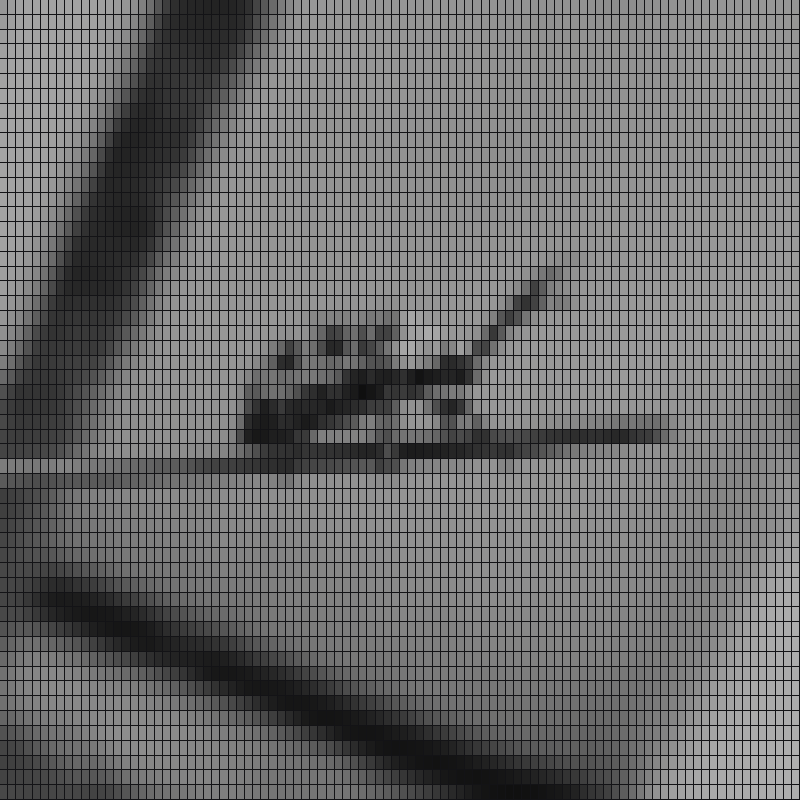
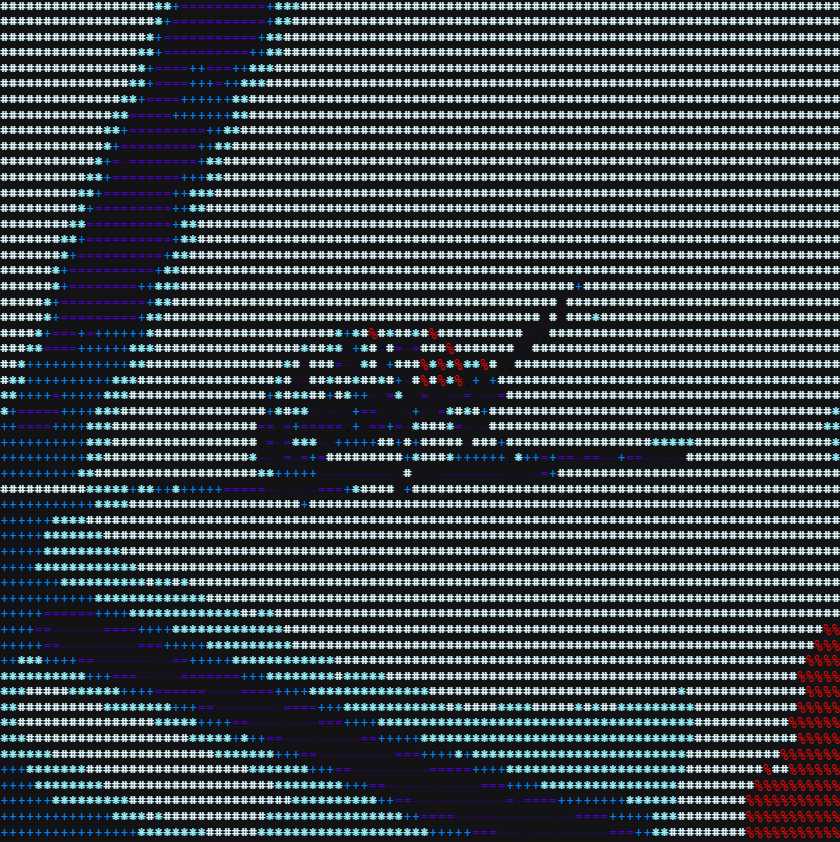
What’s wild is how little it needs. A full HD photo has about two million pixels. Cut it down to a few thousand characters and it still reads fine, cus your eyes fill in the rest.
And there’s a bonus I didn’t plan for. Before a website sends a file to your browser, the server squashes it smaller, kind of like zipping it, with something called brotli. That works great on text and does basically nothing for a JPG, which was already squashed when it was saved. A map is just text, so it shrinks all over again.
All three squares are drawn to scale: the beetle as a JPG, as a map, and as the map that actually gets sent.
And cus it’s all characters, it can move and react to you. Hover over these. Click them.
The mapper
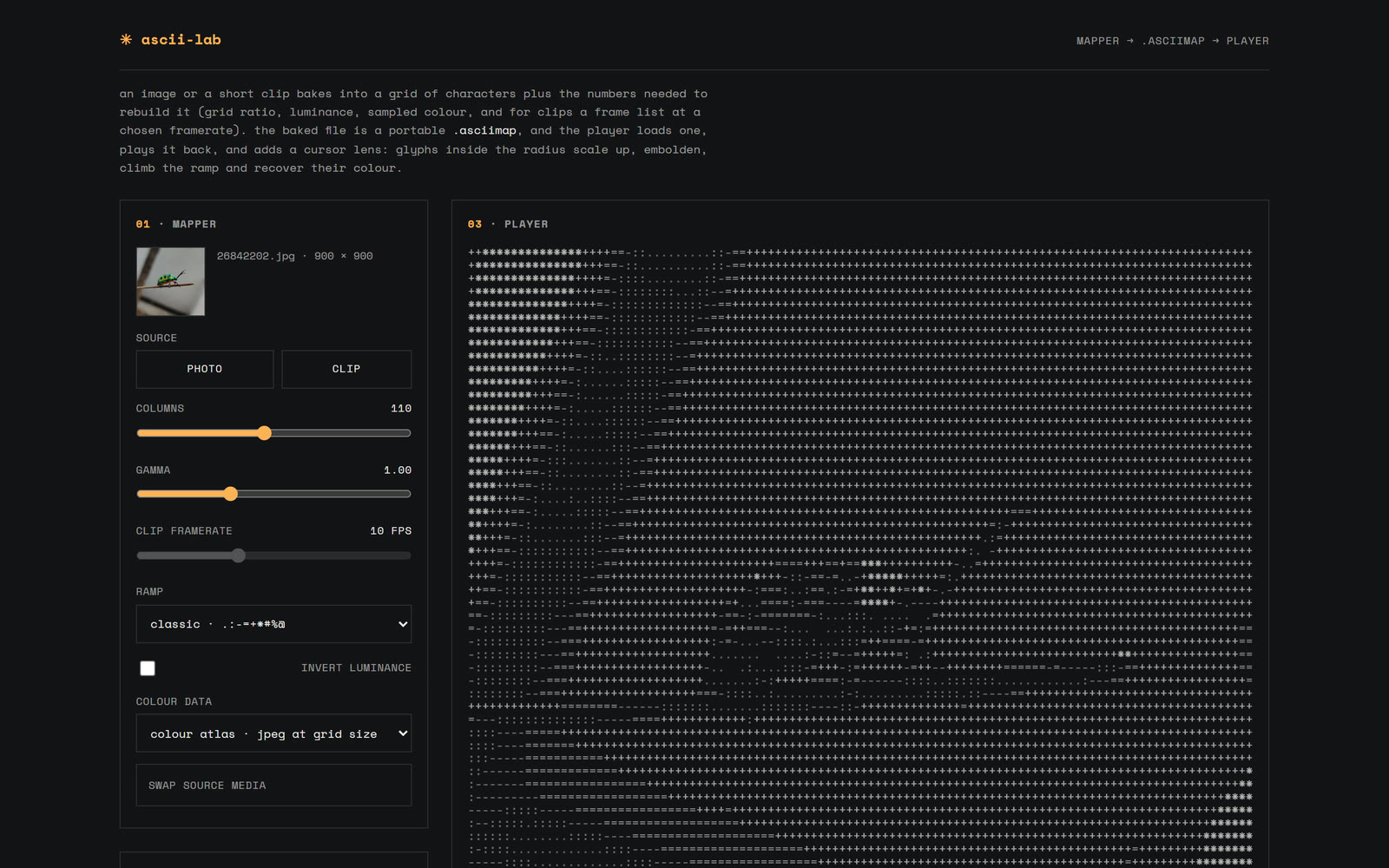
The mapper is where a picture becomes a map. Drop in an image or a clip, and everything you change shows up live.
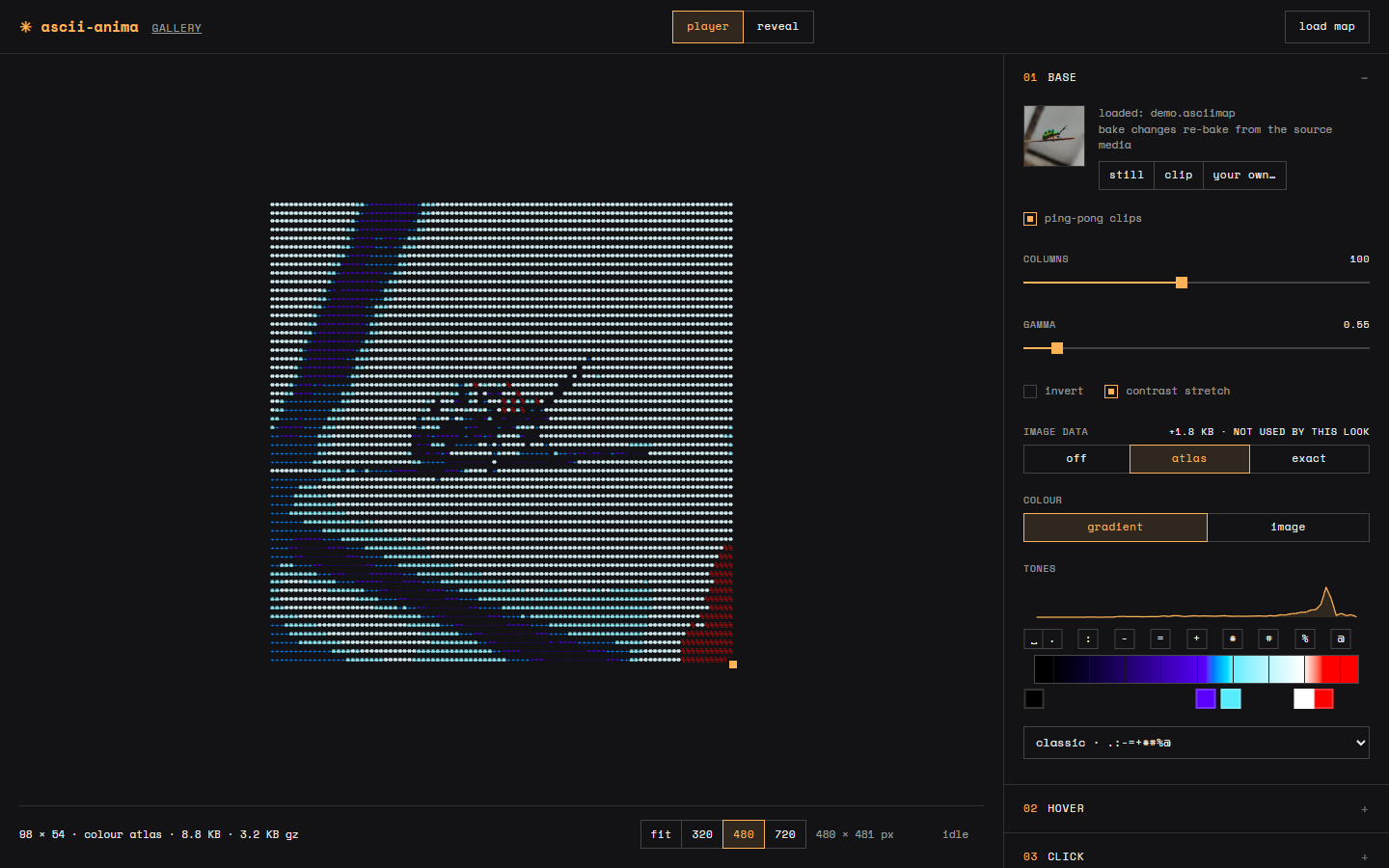
Columns are the big one: how many characters wide the picture is. Fewer columns means a smaller file and a chunkier picture, and the readout under the preview tells you what it’ll cost while you drag.
Then it’s all yours to change. Pick your own characters, and drag the point where each one takes over, from the darkest parts to the brightest. Colour it with a gradient, or keep the photo’s own colours. Load a clip instead of a photo. Shape the hover lens, the magnifying glass that follows your mouse, and draw the curve the characters follow when you click.
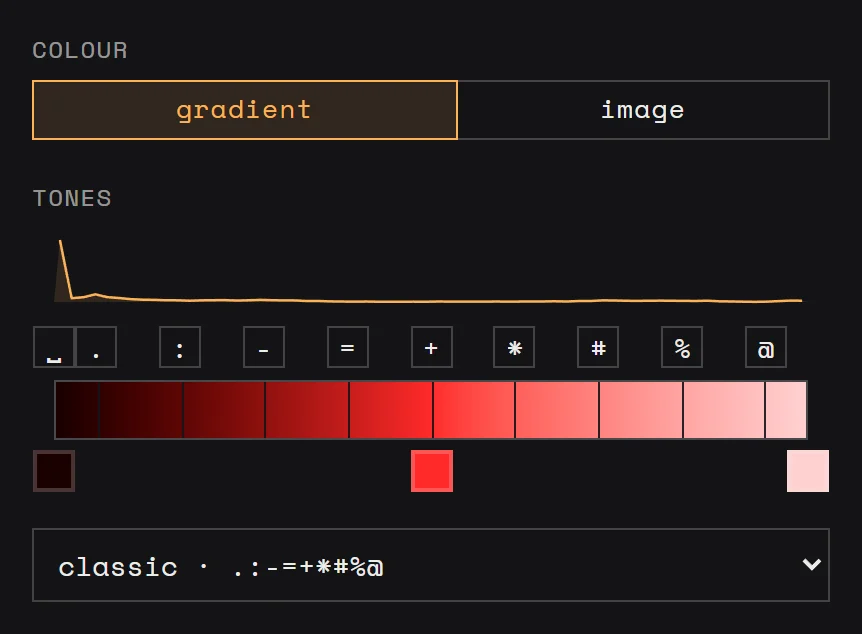
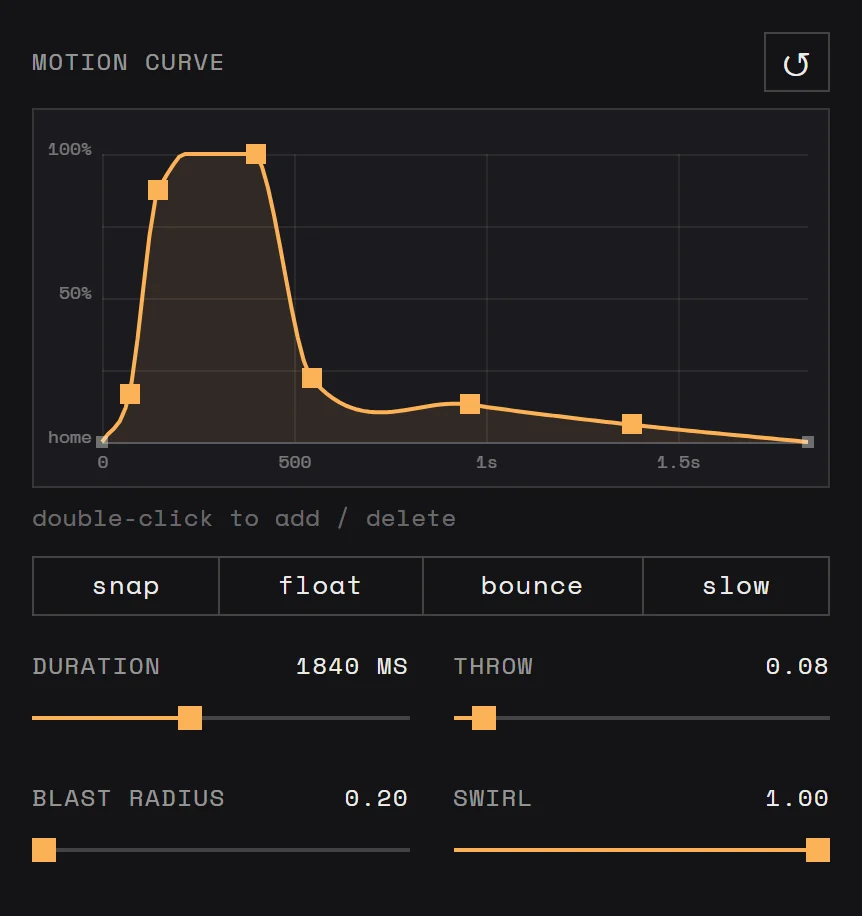
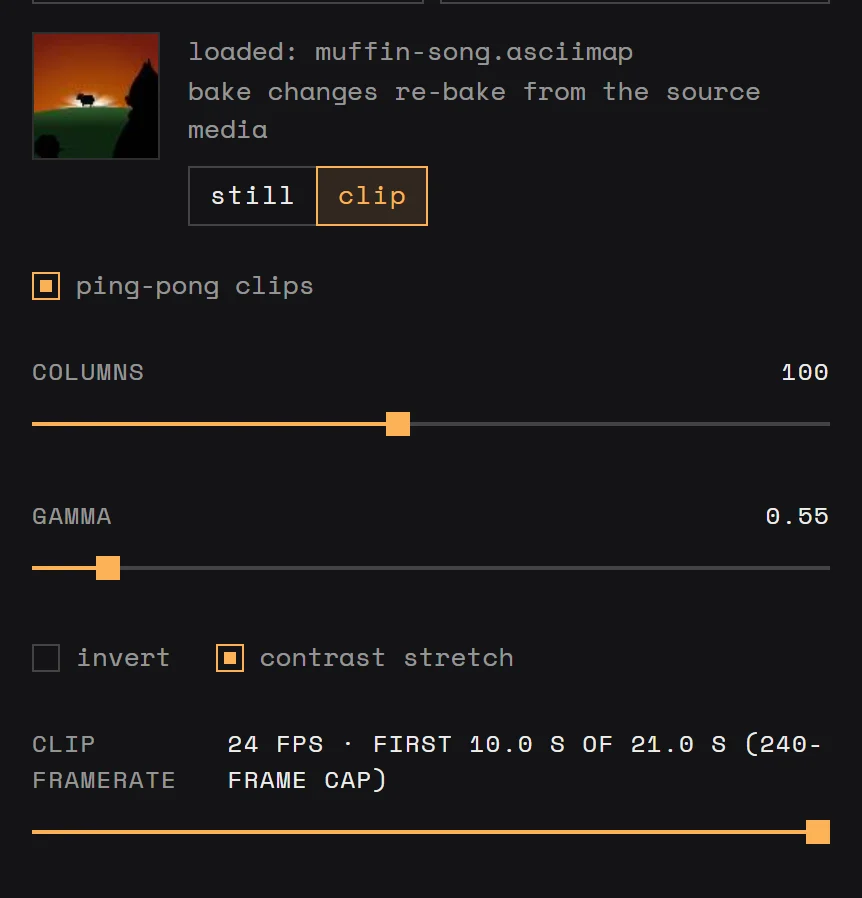
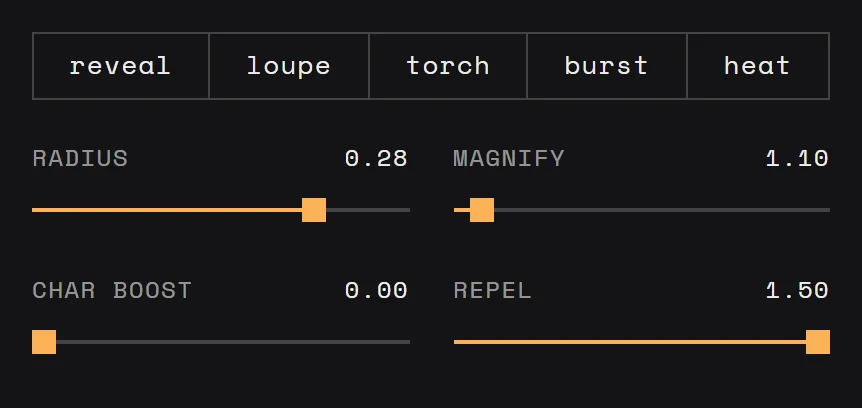
Then you decide how it reacts. Hovering drags a lens across it, and a click throws the characters out and lets them settle back home.
There’s also a reveal mode, for when the real photo has to show up in the end. The map shows up straight away, cus it’s tiny, and the photo fades in over it once it has finished downloading.
When it looks right, the mapper bakes all of it into one small file, the .asciimap.
The player
The map goes onto a website with the player, a small bit of JavaScript that reads the map and draws it. It’s about 11 KB to download, and it only downloads once, however many maps the page has. It’s one file that doesn’t need anything else installed: add one line to your page and it works.
On this site
creativetech.wtf runs on ascii anima. If you’ve noticed how zippy this site is, a lot of that is thanks to this, and to Svelte, the framework the site is built with. The photos on the home page are ascii maps, and every picture on the works, toys and faffs pages starts out as one, with the same reveal: the map first, then the photo once it lands.
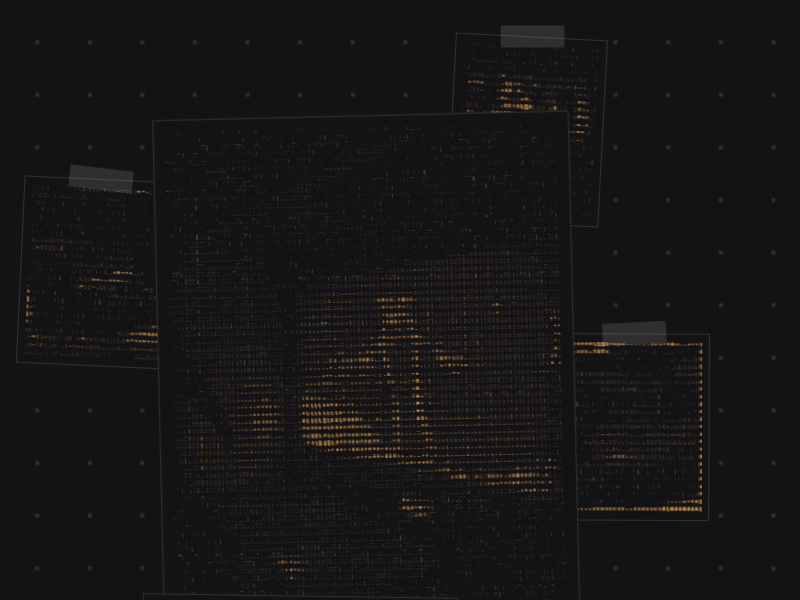
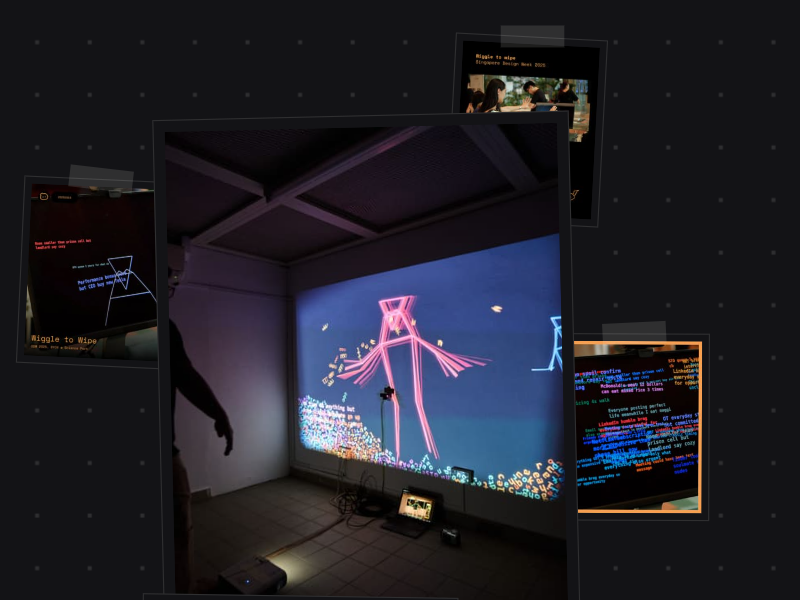
When I tested the home page, the computer version scored 100 in all four of Lighthouse’s tests, and on a phone the speed score sits in the 90s. I’ll take it.

How long it took
About ten and a half weeks, from the first test file on 4 August to the player going public on 17 October. It started as one HTML file sitting in a folder of this site, and grew into a file format, a mapper, a player library, the pictures on this site, a gallery site of its own and a public repo, the code up on GitHub for anyone to use. With a very quiet September in the middle .-.
Day 2 already had the bones: the file format, a way to store the photo’s colours, and five ready-made hover effects. Everything after that was making it faster, lighter and way more yours.
An honest note: the code was all written with Claude Code. I came up with the ideas and steered where it went, which honestly made the whole process really fun, like putting Lego together.
Why not WebGL
WebGL lets a website draw with your graphics card, the same chip that runs your games. It’s the usual answer when you want a lot of things moving on a page and still want it smooth, so it was the obvious thing to reach for.
I stayed with plain canvas, the simpler drawing tool every browser has built in, because the whole point of this is speed. WebGL is built into browsers too, but drawing text with it takes a lot more code, and most people pull in a library like three.js to do it, which on its own is more than ten times the size of the whole player. That’s more to download before anything shows up, the exact thing I was trying to get rid of. And drawing text is something browsers are already crazy good at. Chrome even remembers every character it has already drawn, so it doesn’t redo the work.
I did try the trick graphics card drawing leans on: draw every character once onto one big sheet, then copy and paste from it instead of drawing text every time. It got built twice and measured side by side with the normal way. It was no faster, ate up to 12 MB of memory for every picture on the page, and looked worse with the photo’s own colours. Binned.
What actually made it fast was doing less. Only redraw the characters that changed. Sleep when nothing moves. Stop when it’s off screen or the tab is hidden. Draw all the characters of one size and weight together instead of switching back and forth, which took a lens turned all the way up from about 610 switches every frame down to 19.
The chart counts frames a second: how many times a second the picture redraws. 60 is smooth, and under 30 starts to feel choppy.
The two that barely moved are the limit. A huge lens moving over a detailed map is just a lot of text to draw, and a browser can only draw text so fast. That’s the one place WebGL would still help. It hasn’t needed it yet.
What I learnt
The server wasn’t squashing it. An .asciimap is a made-up file type, and a server that doesn’t recognise a file type doesn’t squash it, it just sends it as is. When I tested the home page in August, its maps came through at 255 KB where 89 KB would do, and one clip alone was 40% of the whole page. The fix was one line telling the server it’s text, and that line still ships with the site today.
Let the compressor do its job. I tried packing clip frames smarter, by only storing what changed from one frame to the next. Every version came out bigger than plain text run through brotli: 15.6 to 20.3 KB, against 14.4 KB. Brotli is better at this than me.
Colour fits in one tiny JPEG. A map in the photo’s real colours needs a colour for every character. Stored as numbers, that’s around 103 KB for a photo. Stored as a JPEG exactly the size of the grid, one pixel per character, it’s around 11 KB.
Gradients without the mud. Blend red into blue on a canvas and you get a muddy purple in the middle. CSS, the code that styles websites, can blend colours a different way called OKLCH, which mixes them more like your eyes expect, so they stay vivid. Canvas can’t, so the player does the OKLCH maths itself. Red to blue now goes through a proper purple.
Big clicks are what lag. The hover lens is cheap. What makes a page stutter is a click with a big reach, the blast radius, cus every character it throws has to be redrawn every frame. The slider in the mapper turns red past 0.6 now, as a warning.
Where it fits
It’s not for everything and anything. A product shot that needs every pixel should stay a photo, and a screenshot full of small text turns to mush. But for moody hero shots, textures, portraits, loops and anything you want people to poke at, it fits pretty darn well.
Grab it
The mapper runs in the browser: drop in an image or a clip, shape it, and download the .asciimap. The player is free and open source, so anyone can use it and read the code, ready to put on your site. Give it a shot, it’s pretty fun.