The Problem
So I love ClaudeAI. The thing has let me build complex systems that I could barely plan with just a few months ago. But damn one issue is making life so frustrating with its front end design.
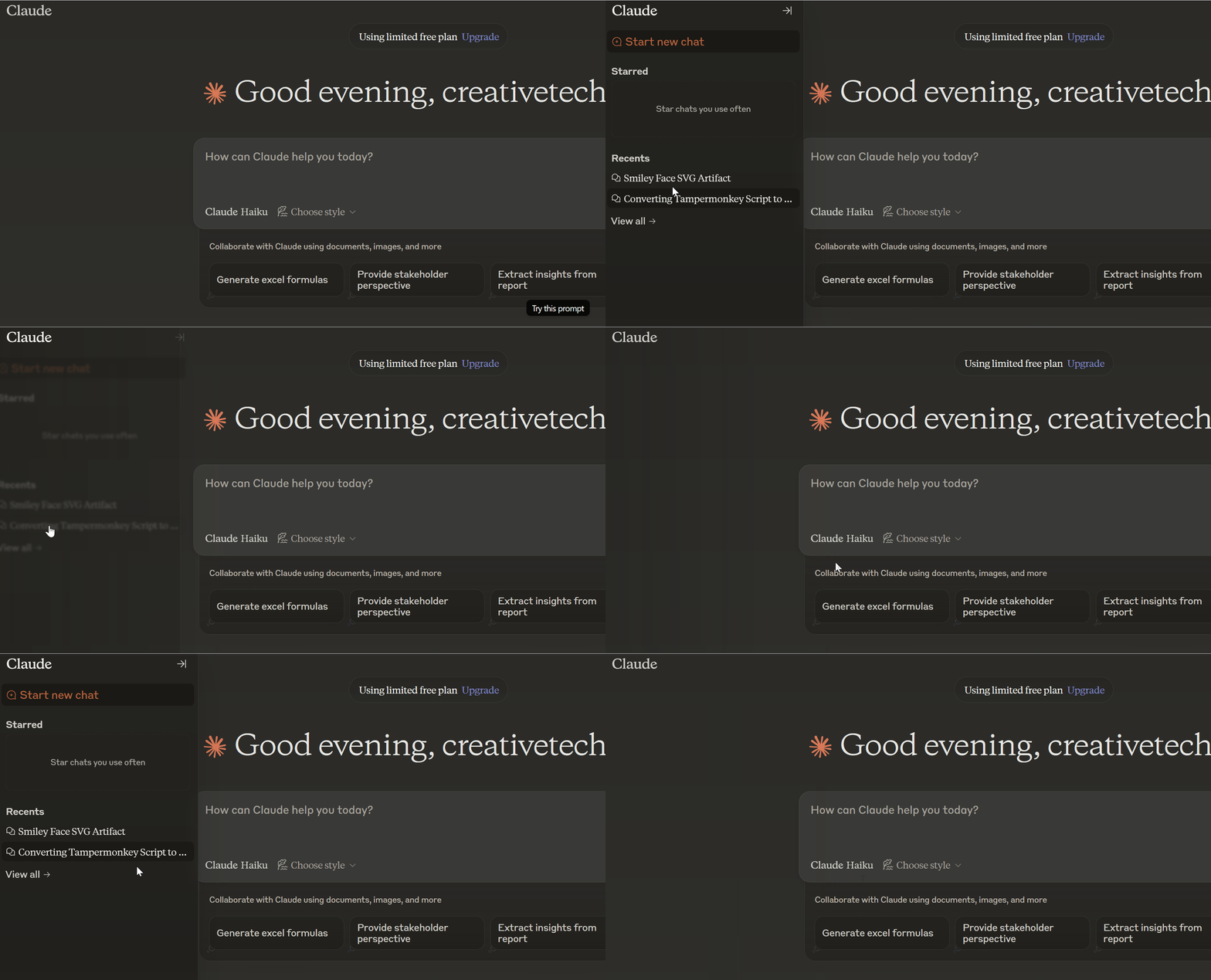
This Side bar used to be a minor inconvenience – when it just auto pops up on the side of the screen. But everything changed when AnthropicAI released artifacts. Its a feature I love, but for small screened computer bois like me, it be became a major issue.
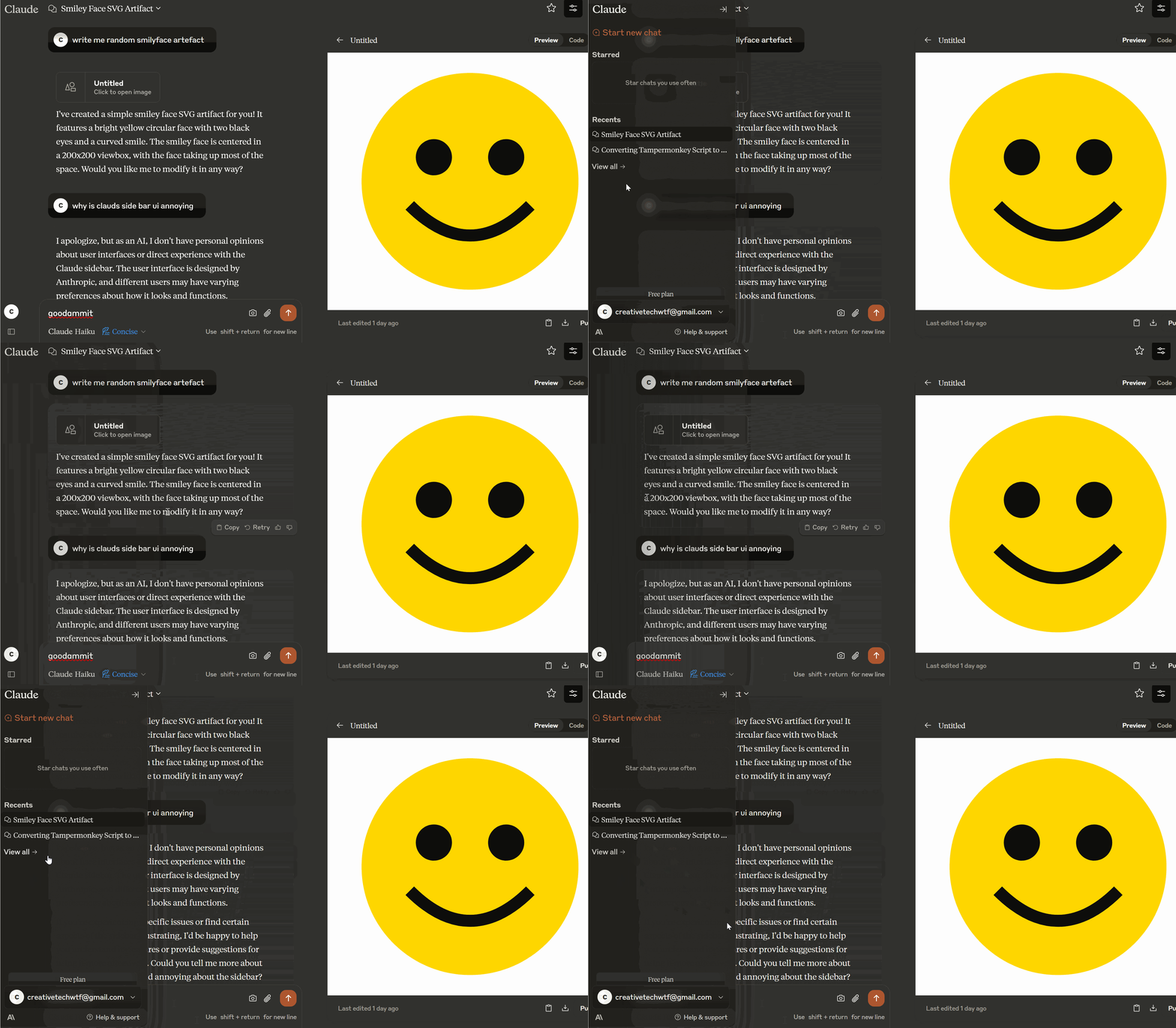
Everytime I open an artifact, the chat gets too close to the sidebar. Which causes the sidebar to misfire – and annoyingly open every, single, time. Unfortunately the sidebar too is wider than a baguette which means that now I have to slide my cursor all the out of it, just to inevitably open it back up when I click a little too off into the edge of the search box.
Am I the Idiot?
So my first conclusion was – Am I the idiot for not knowing how to use my cursor properly?


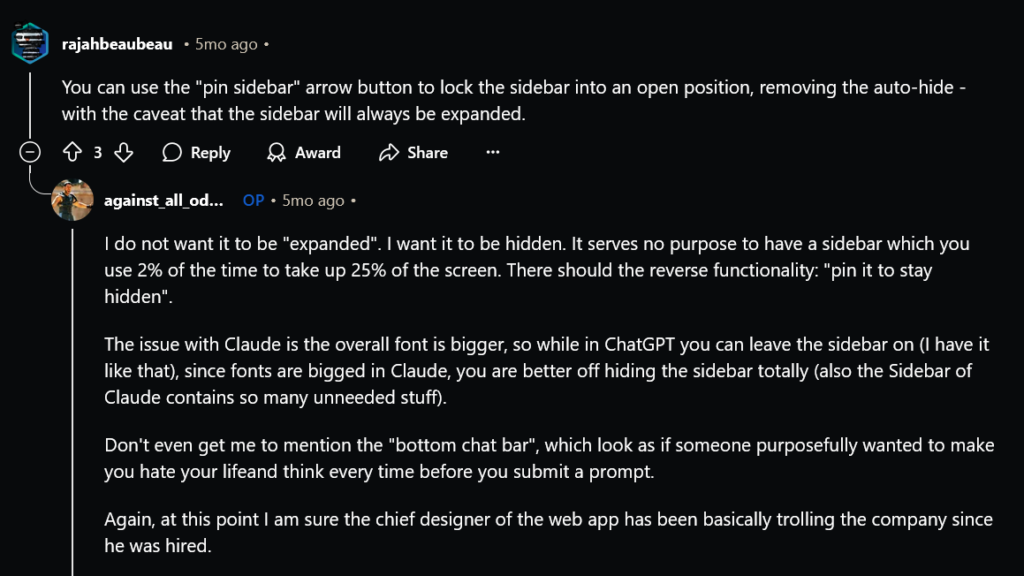
Well, turns out I’m not an idiot. Or at least, I’m not the only idiot around here. I tried to find a fix for the issue, but heck I couldn’t find a chrome plugin that solved the issue. So you know what, fine, I’ll fix the dam thing myself.
The fix
I realized that the front end was coded really well, and I just had to delete the menu.sidebar component from view. I first tried a tapermonkey script that worked somewhat decently. But thinking of my fellow sufferers above, I realized that making an extension would be the best way to help people out…soooo that’s what I did.
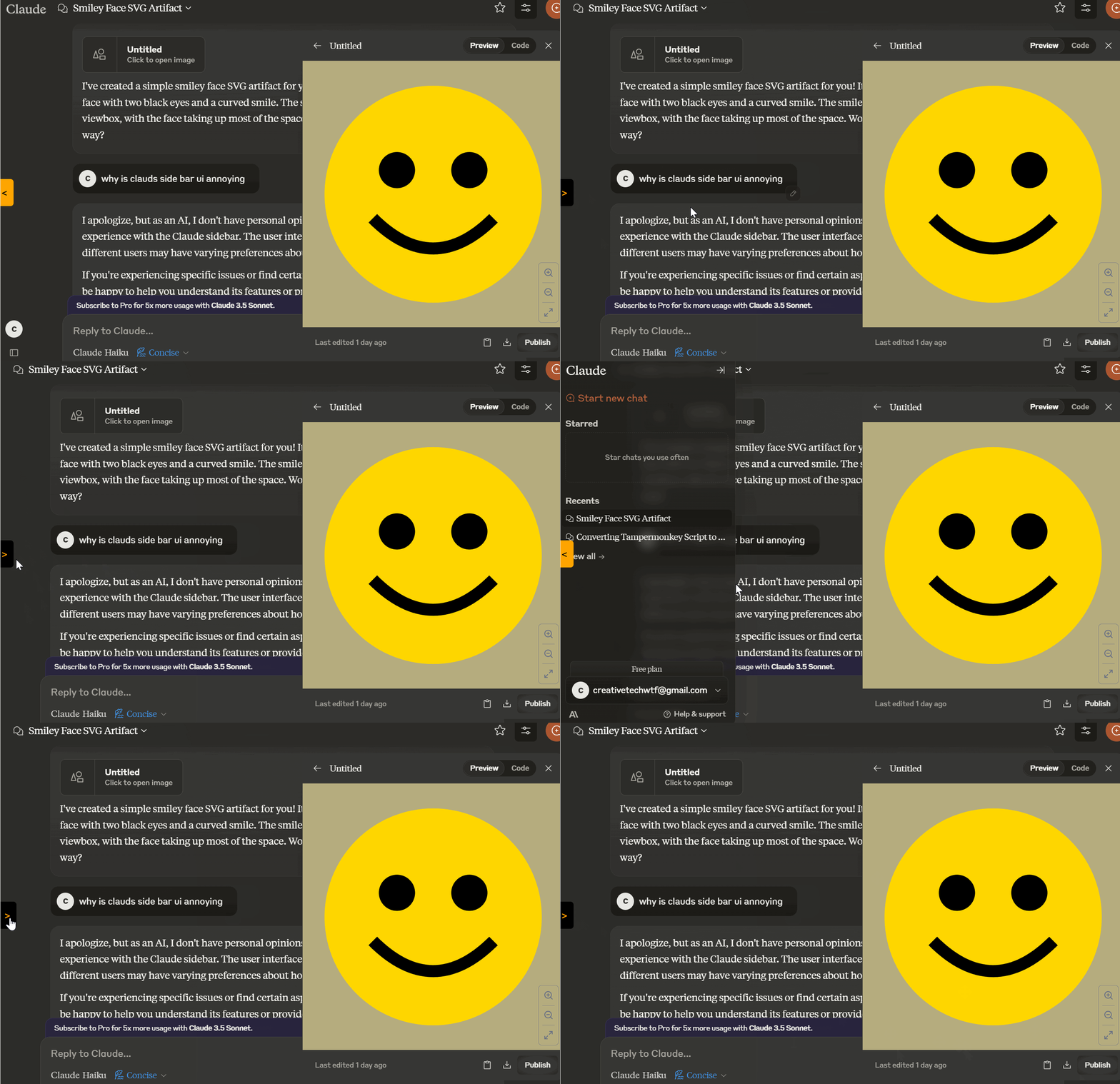
if you are one of the 4 people who wants to grab the chrome extension too, just click the button below 🙂
ps: Dear ClaudeAI devs, please make my extension obsolete plz.
Leave a Reply